“I followed your motion parameters. Why doesn't it look the same?”
I remember getting this question from a developer. The frustrating part was that I couldn't point to the documentation and say "it's all there."
Because it was. The trigger. The duration. The easing. The start and end states.
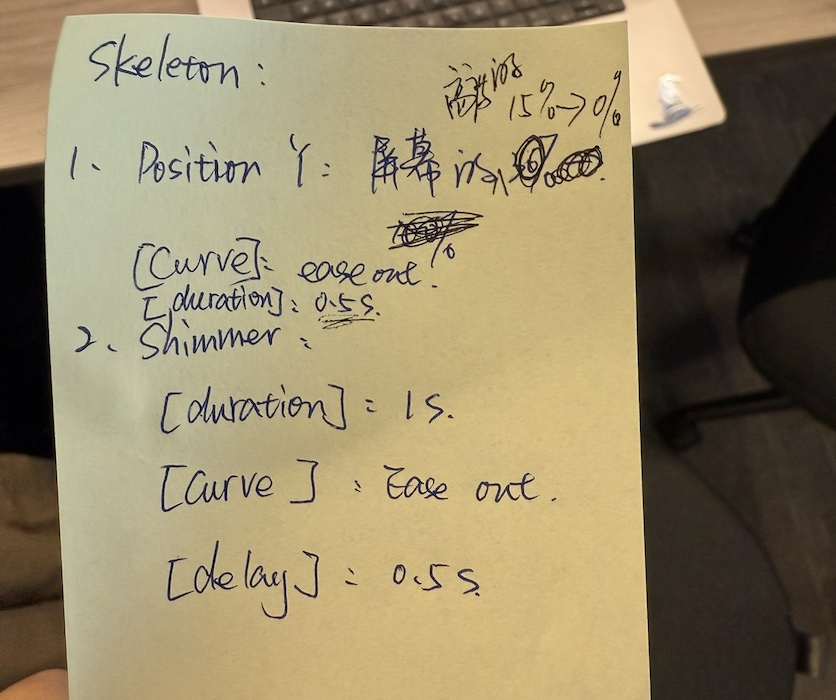
I'd gone from scribbling motion parameters on sticky notes to documenting them carefully in Figma. Yet somewhere between design and code, the motion still changed.
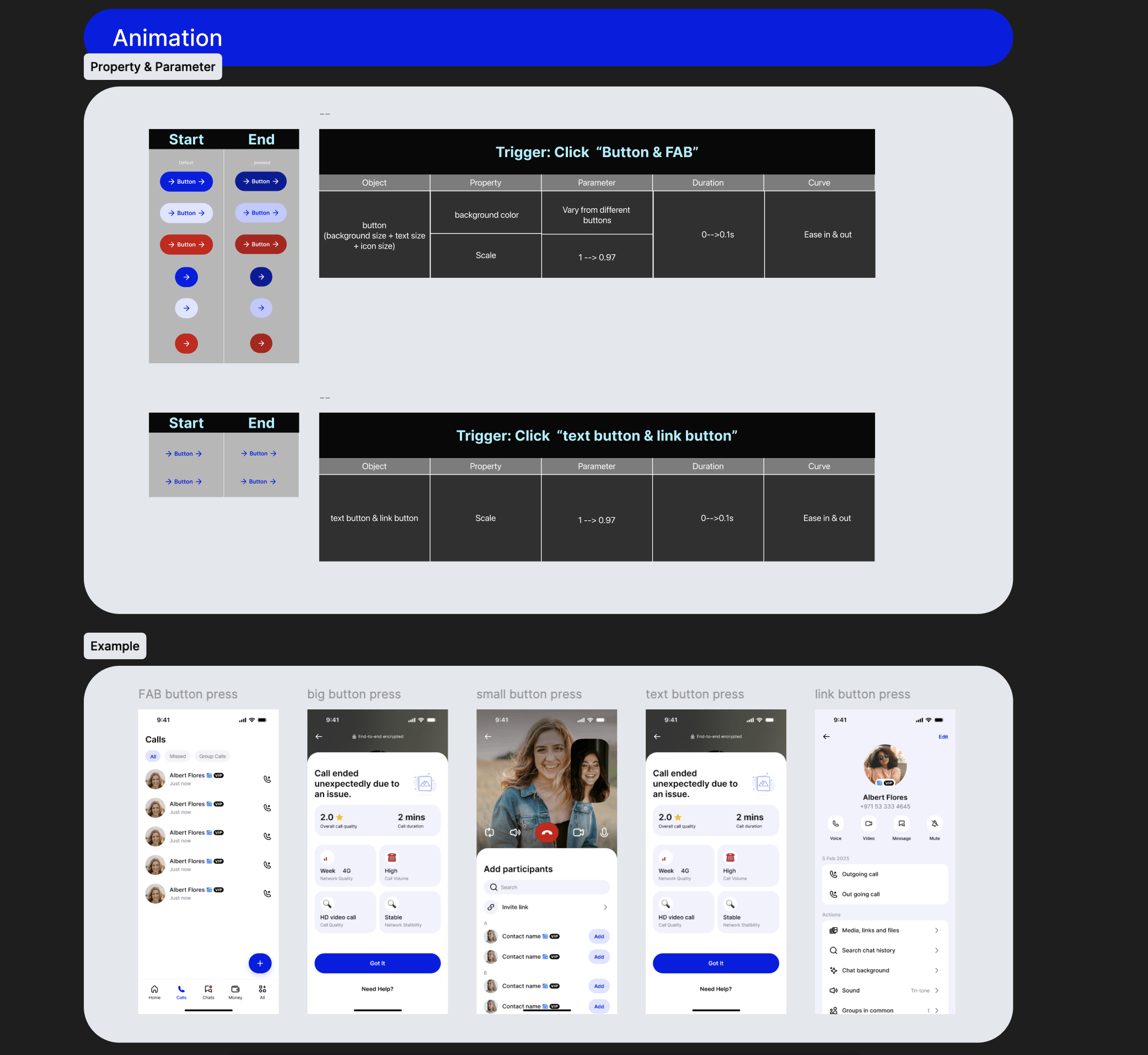
Spring was a good example. Matching parameter names across tools didn't guarantee matching movement. Figma describes a spring in its own parameters, the runtime has different ones, and every hand conversion drifted a little. For sampled spring tracks I eventually stopped trusting two spring implementations to agree, exported the curve from Figma, and evaluated it in the runtime instead.
But back then I was still asking a more basic question: what exactly was I handing over? A list of numbers? A visual reference? Or an interaction that was supposed to feel a certain way?
That question sent me down a much bigger rabbit hole than I expected.
Separating how motion is authored from how it behaves
I started by defining three authoring sources:
- Prototype for interaction flows and state transitions.
- Figma Motion for keyframed timelines and coordinated sequences.
- Lottie for reusable animation assets.
Prototype and Figma Motion produce behaviour definitions. Lottie assets are a different kind of record. All three are connected through one shared registry, but I don't pretend they are the same kind of thing.
The Motion Registry is machine-readable. It ties each pattern to its identity, triggers, motion tokens, Figma source references and an explicit behaviour contract. Native runtime adapters resolve and execute those definitions. It isn't a generic engine that can run any arbitrary registry entry, and it isn't meant to be.
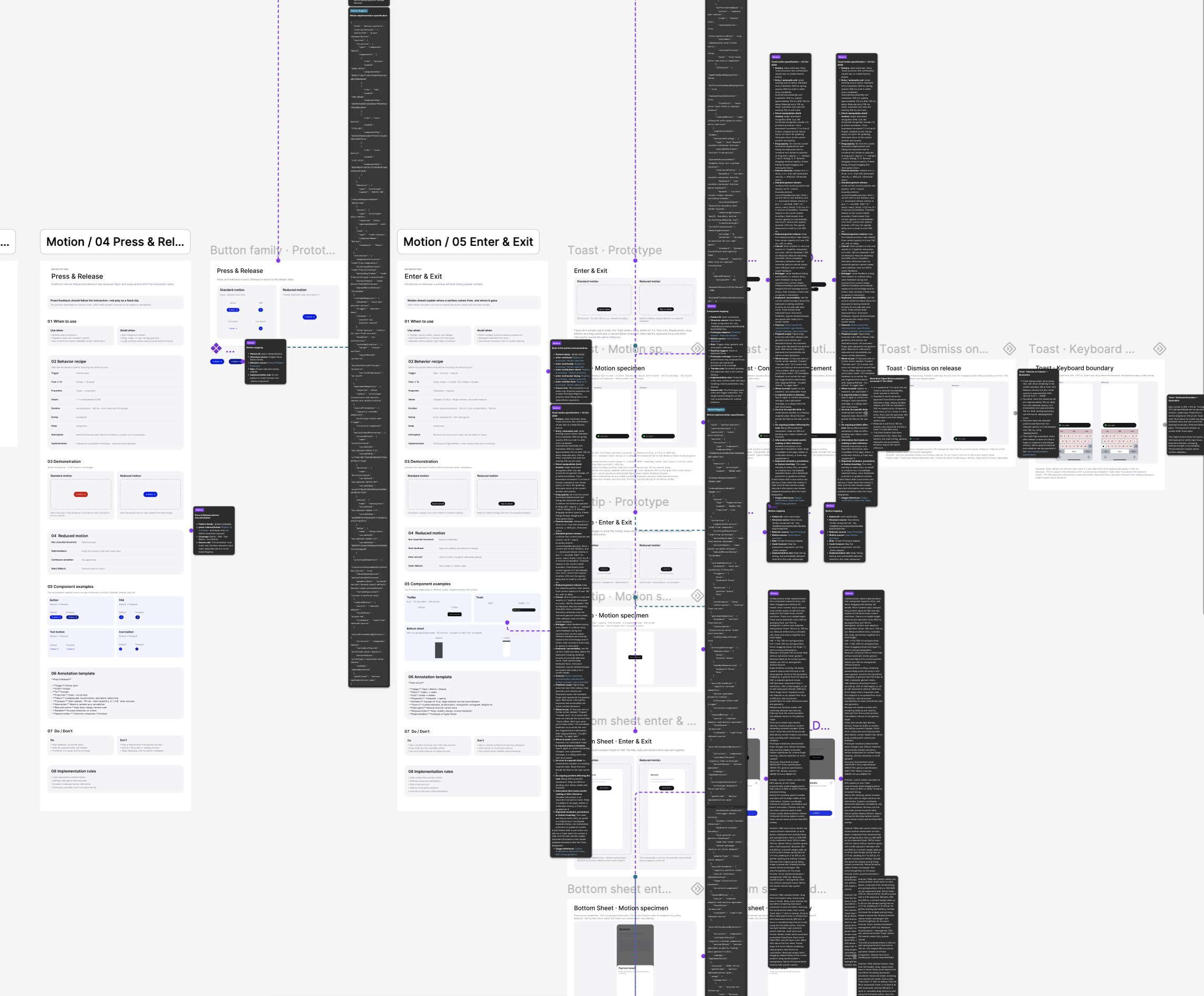
And because I didn't want another document that only described the right behaviour, I built a mobile Motion System Playground in Prototo to see what actually happened.
Where the spec goes quiet
That's where things got interesting.
A list item disappearing looks simple in a static spec. But what happens to the space it leaves behind?
If I wait until the item has faded out before closing the gap, the motion feels disconnected. So I implemented two movements that start together: 150ms to fade out the item, 250ms to collapse the surrounding layout, using measured geometry instead of a fixed translation.
Then I tried restoring the item halfway through. Instead of jumping back and replaying the animation, the runtime continues from its current presentation state.
The next surprise came from something even smaller: a toast.
One notification is easy to animate. Three arriving almost at once? Suddenly I needed rules for replacement, interruption and timing. The spec described what one toast looks like. It never said what happens when the next one arrives before this one is done.
- Same feedback fires twice. Replay it, or ignore it?
- Different feedback arrives mid-exit. Replace, queue, or stack?
- The 3-second hold: does it start at trigger, or once the toast has fully entered?
The spec was silent on all of it. Different implementations could make different choices and still, technically, follow the spec.
A motion spec that only covers the happy path isn't a spec. It's a picture.
So the toast got answers:
- Latest-only. New feedback replaces the current toast, no stacking, no queue.
- The hold starts after all entry animations complete, not when the toast is triggered. In Standard motion that means waiting for both the 500ms travel track and the 300ms opacity track before the 3 seconds begin.
- Interrupted exits recover from wherever they are.
- Reduced Motion keeps the same lifecycle with simpler visual movement.
That's when the Playground stopped being a place to preview animations. It became a place to define interaction rules, deliberately break the ideal sequence, and test what happened.
Bringing Lottie into the same system
More recently I brought Lottie into the registry. I integrated seven animation assets created by Joel J George, our motion designer, then verified their existing Figma component references. Six have confirmed source bindings, including one WIP library component. One remains unverified.
The registry now keeps resource identities, pinned versions, fingerprints and preview playback metadata together with the other motion definitions. The Playground reads those shared records rather than maintaining a separate list of animations.
I also tested a read-only Figma Dev Resource path that retrieved and parsed a real .lottie asset from its component reference. The aim is a handoff where animation resources can be discovered through the components designers actually use, rather than through repeated handoff instructions.
Where the project stands
- 15 motion patterns across 5 families in the reference system, each with a Figma contract, and 26 primitives underneath them.
- Executable Standard and Reduced Motion treatments, including interaction edge cases.
- 7 Lottie assets in the shared registry, 6 source bindings verified.
- 114 automated tests passing, covering registry integrity, lifecycle behaviour and selected runtime adapters. TypeScript and registry checks pass.
These tests don't prove identical motion across platforms, and the reference implementation isn't production adoption.
What's next: taking the system beyond its own Playground
Production integration has started. The web team is consuming the definitions now, and native has kicked off. Three things still have to be proven:
- Real component consumption. Can existing production components consume these motion definitions while preserving the intended behaviour across platforms, including accessibility and Reduced Motion?
- Behaviours that survive real conditions. Can the same rules handle long-list updates without losing scroll position or focus, dynamic content, keyboard changes, and interrupted interactions?
- Updates without drift. When a motion specification changes, can I identify affected components, pin versions, and validate upgrades, regressions and rollbacks?
Lottie has a few remaining gaps too: one component-source binding is still unverified, and asset-specific Reduced Motion rules still need to be defined.
The next milestone isn't another demo. It's getting a real consumer project through that entire loop.
What I was actually building
Looking back, I hadn't been building a better motion document. I was figuring out what Figma should define, what the registry should make explicit, what the Playground should validate, and what production components should ultimately implement.
Figma holds the design intent. The registry expresses the behaviour contract. Prototo lets me execute it, challenge it and refine it.
I started with a developer asking why an animation didn't look right. Somewhere along the way the question became: how can a motion design system become something designers can experience, machines can understand, and production can implement?
I didn't know that was the question I was trying to answer when I started. I had to build my way there.